For every family, in every shape it comes

Calm, clarity, and cooperation for the whole household.

FamilySlate is one shared slate for your family's life — the week's schedule on one side, and everything that has to happen around it on the other. Two households or one, modern or traditional: if your family runs on a week, it runs on FamilySlate.

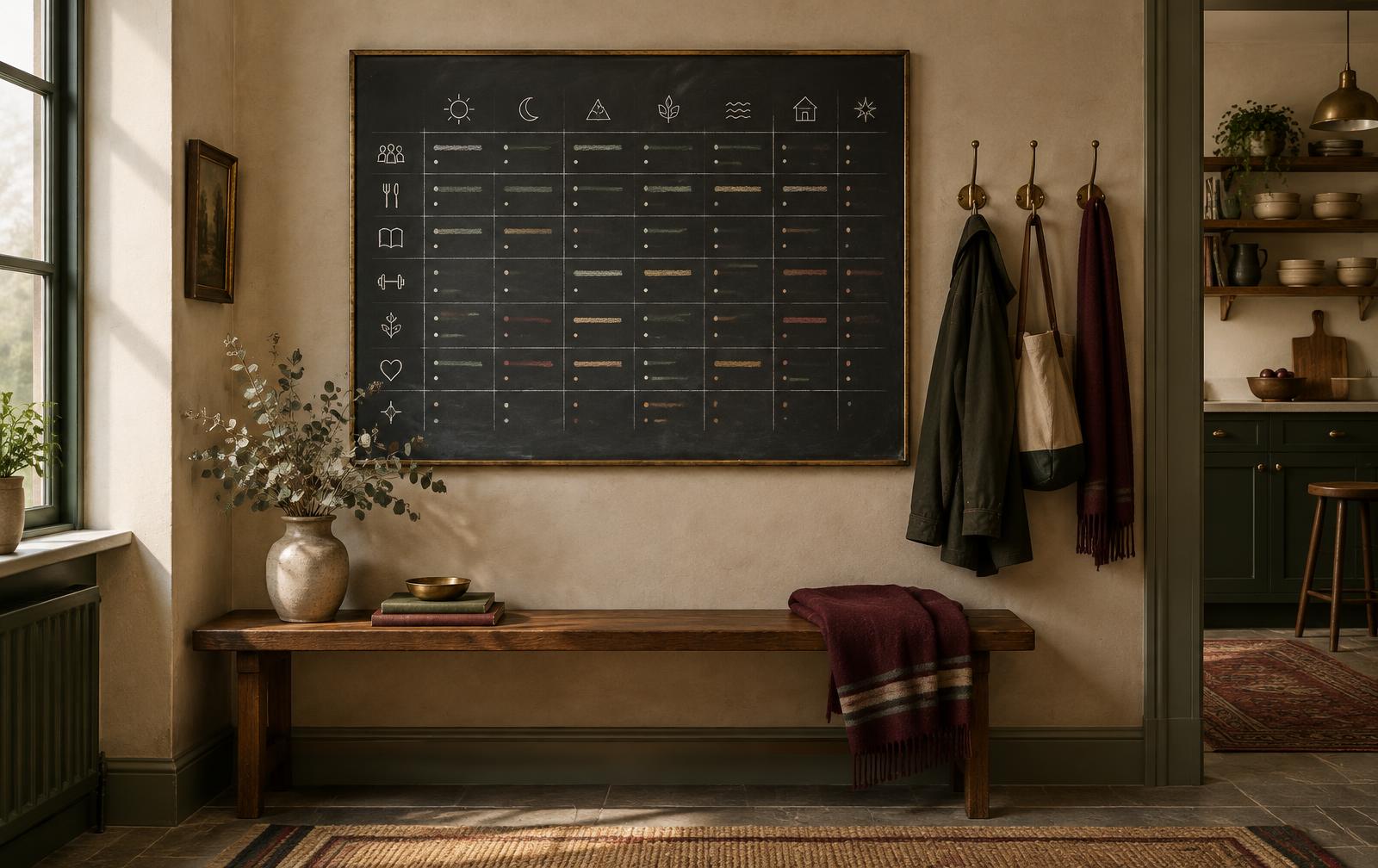
A family slate chalkboard with the week's schedule, hanging in a calm heritage kitchen
One slate. The whole family's week.

The FamilySlate vision

Two apps. One steady household.

Families don't lack effort — they lack a single place where the week makes sense. FamilySlate puts the family's schedule and the household's work on the same slate, so plans are agreed before they're expected, and nothing slips between caregivers, households, or calendars — whatever your family looks like.

FamilySlate began as a co-parenting app, and that's exactly why it works for everyone. The hard parts of running two households — linked caregivers, exchange days, plans that need both parents' approval — are built into its bones. But they're folded quietly into an ordinary family calendar, not a special tool for special families. Co-parenting households get everything they need, built in from the first tap. And every other family gets it too — a grandparent on the school run, a nanny's after-school pickup, a partner who needs to know Friday's plan — because every family runs on clear communication, and FamilySlate is built to make that effortless.

01
Calm
One shared view of the week, so no single person has to be the household's memory — in one home or across two.
02
Clarity
Every event, meal, chore, and renewal visible, proposed, and approved — nothing lives only in someone's head or a group chat.
03
Cooperation
Every caregiver and every kid can share from the same slate — or keep separate accounts, so cooperation stays easy where it's needed and privacy stays where it belongs. Each person sees exactly what they need to, and no more — unless you want to share more.
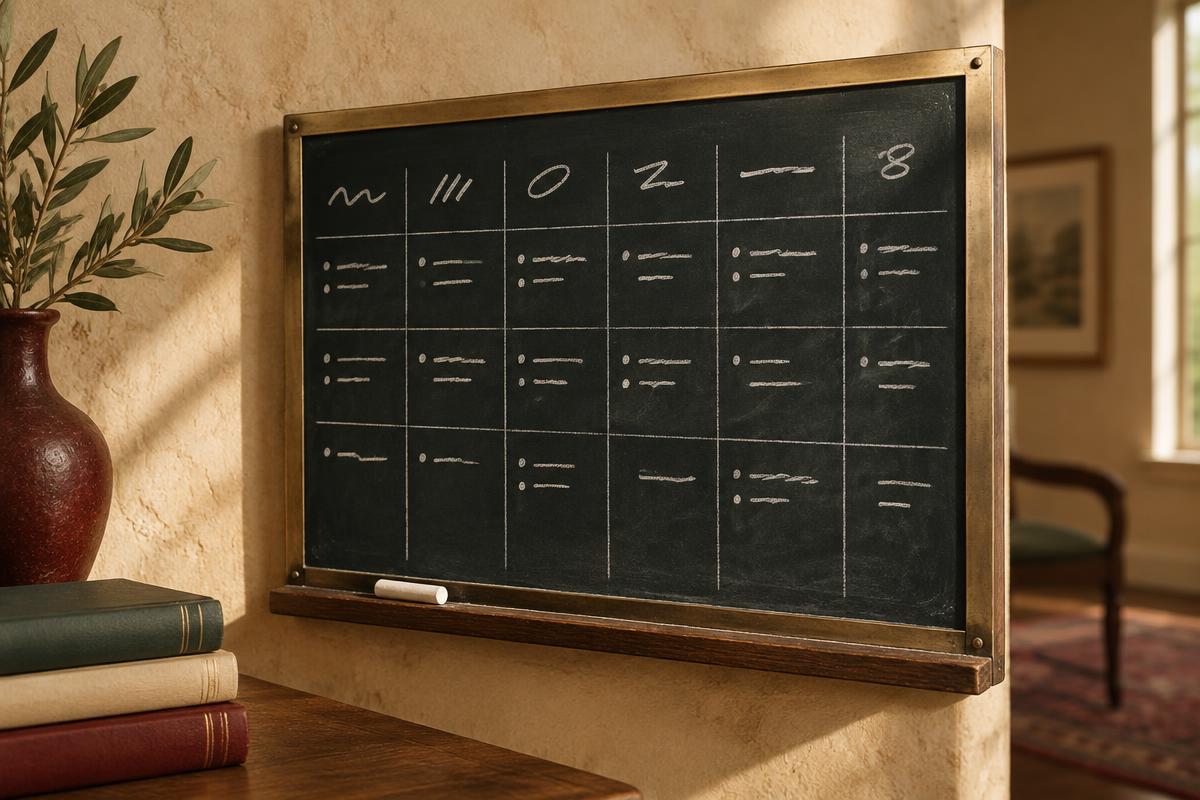
The companion apps

One slate, two sides.

Each app stands strong on its own. Together they cover the schedule — and everything that has to happen around it.

FamilySlate Calendar

calendar.familyslate.org

FamilySlate Calendar

The family's schedule of record — shared, visible, and agreed by every caregiver it affects.

  • A shared calendar for one household or two — every caregiver, and the kids' own views
  • Invite grandparents, nannies, and other caregivers with view-only visibility — they can see the week without changing it
  • Custody and exchange-day patterns that keep co-parenting households in step (and one-home families can repurpose them where they need them the most)
  • Event proposals and approvals, so plans land only when everyone has agreed
  • Permission levels that decide who can see, propose, and confirm what
Open FamilySlate Calendar
WholeHome FamilySlate

wholehome.familyslate.org

WholeHome FamilySlate

The household's working kitchen and admin desk — from what's in the pantry to what's due for renewal.

  • Scan pantry shelves, receipts, and recipes straight from your kitchen camera
  • Meal planning that follows the family's approved week, with the list built for you
  • Chores and rotating responsibilities the whole household can see and share
  • Life-admin renewals — passports, subscriptions, appointments — surfaced before they lapse
Open WholeHome FamilySlate

Working together

From approved plan to done.

The Calendar is the schedule of record; WholeHome keeps everything around the schedule moving. A proposal becomes an agreed event, an agreed week becomes meals and chores — and nothing slips, in one home or across two. WholeHome even pushes reminders to your shared calendars when things are due. But the two are built as separate apps, on purpose — so what belongs in your own home stays in your own home. Being on someone's calendar never grants access to their WholeHome: the co-parent attached to your shared calendar can't see inside your fridge unless you add them to your WholeHome account too.

  1. 01

    Proposed on the slate

    A caregiver proposes an event, an exchange-day swap, or a schedule change in FamilySlate Calendar — with a note on why.

  2. 02

    Approved by the right people

    Whoever needs to sign off — a co-parent across town, a partner down the hall, or a grandparent on the school run — approves with a tap, so every plan carries the family's agreement. Kids and view-only guests see only what their permissions allow.

  3. 03

    Carried by everyone

    WholeHome turns the approved week into meals and a shopping list, rotates the chores, and resurfaces renewals before they lapse — with reminders pushed to the shared calendars when they're due.

Start with FamilySlate Calendar

Questions

Frequently asked

Everything families usually ask before putting their week on the slate.

Yes — and that's the secret of why it works so well for every family. FamilySlate was built from the ground up around the hardest scheduling problems families face: multiple caregivers who all need a say, plans that must be agreed before they land, and children who see only what's right for them. Those strengths were honed for two-household families, but they live inside a normal, welcoming family calendar — because every family has the same needs, they just look a little different. A grandparent on the school run, a nanny's after-school pickup, a busy week where everyone needs to see the same plan: clear, agreed communication matters just as much in one home as in two. Everyone gets the same calm, shared calendar.